Turn your steps into screen time for distracting apps. Choose the apps, set your earn rate, walk before you scroll.
How it works
Walk before you scroll.
Pick your apps
Choose the distracting apps that should spend earned time — Instagram, TikTok, YouTube, or any time-sink.
Walk to earn
Stroll reads your steps through Health Connect. You set how many steps unlock one minute.
Spend
Only your chosen apps spend earned time. Run out and Stroll gives you a calm pause to walk again.
Features
Built to feel like a deep breath.
Home
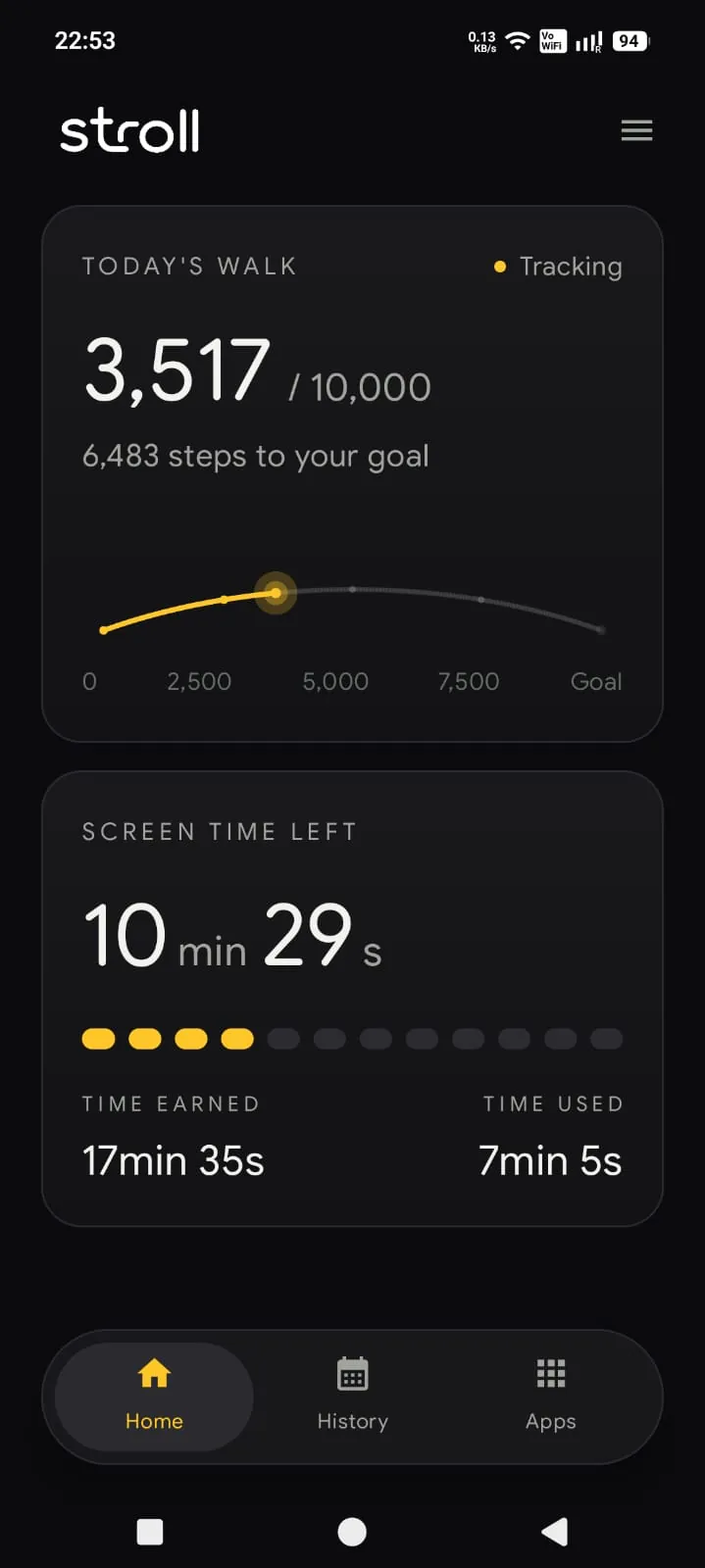
Steps in. Minutes out.
See today's walk and the screen time you've earned, at a glance.
Calm blocker
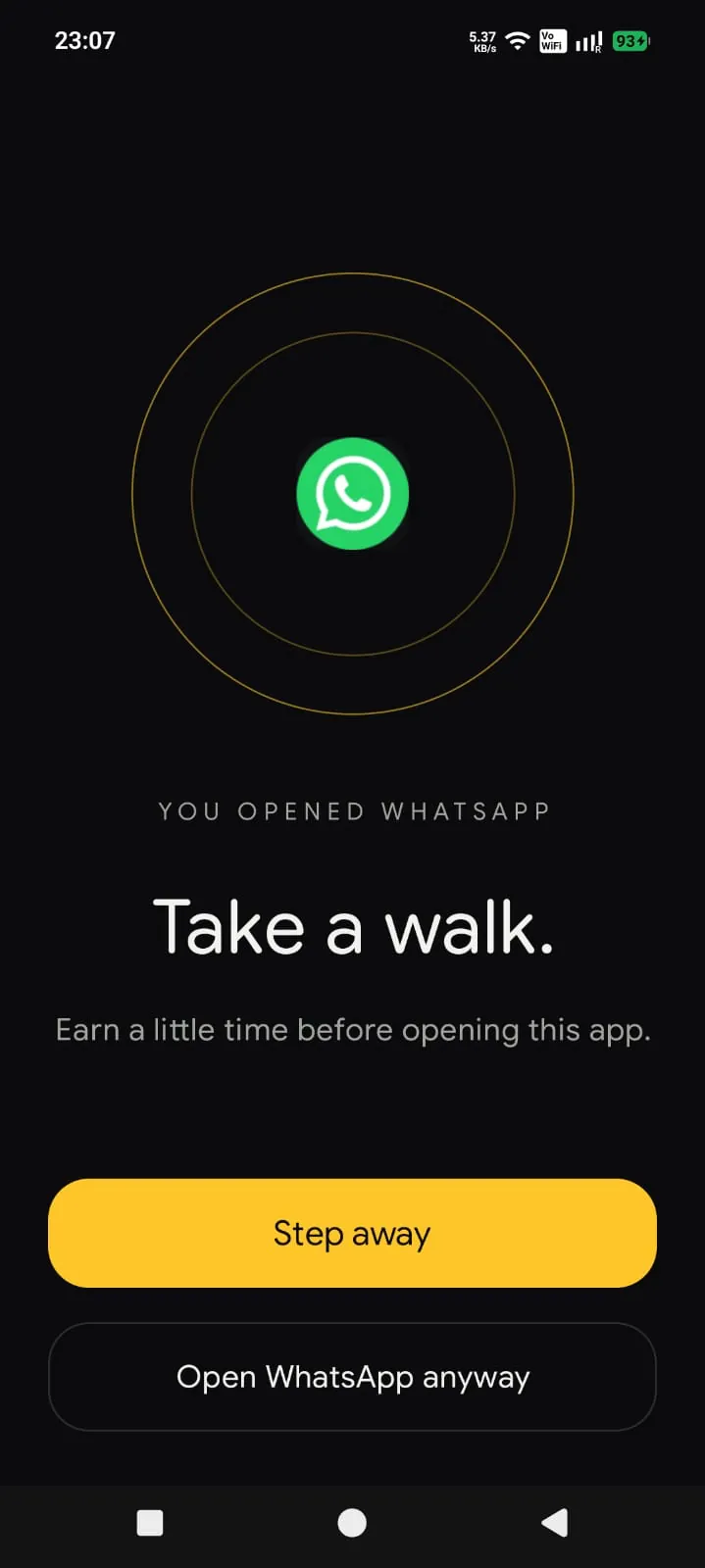
A calm pause before the scroll.
When earned time runs out, Stroll gives you a moment to step away — no harsh lockouts, no guilt.
History
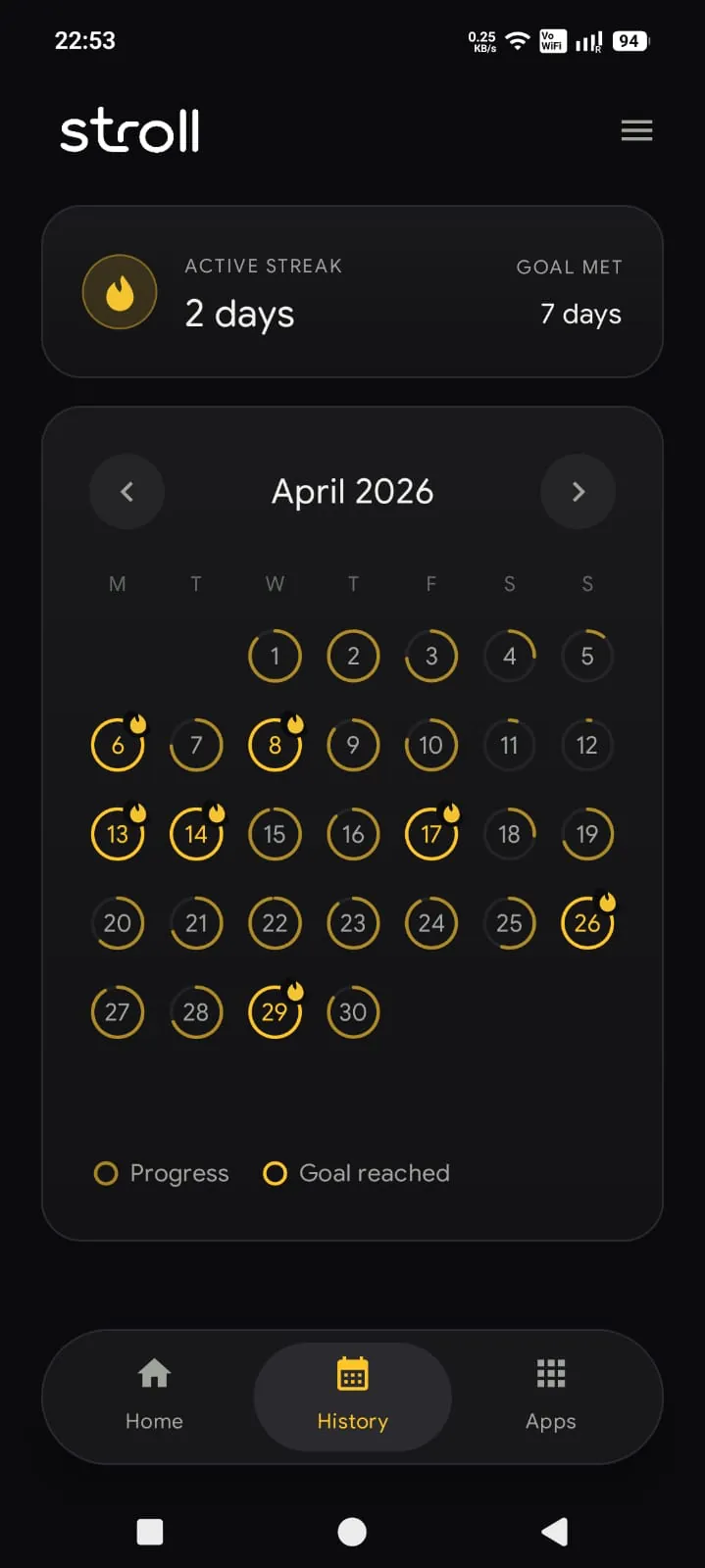
A calendar, not a scoreboard.
See your consistency without pressure or streak guilt.
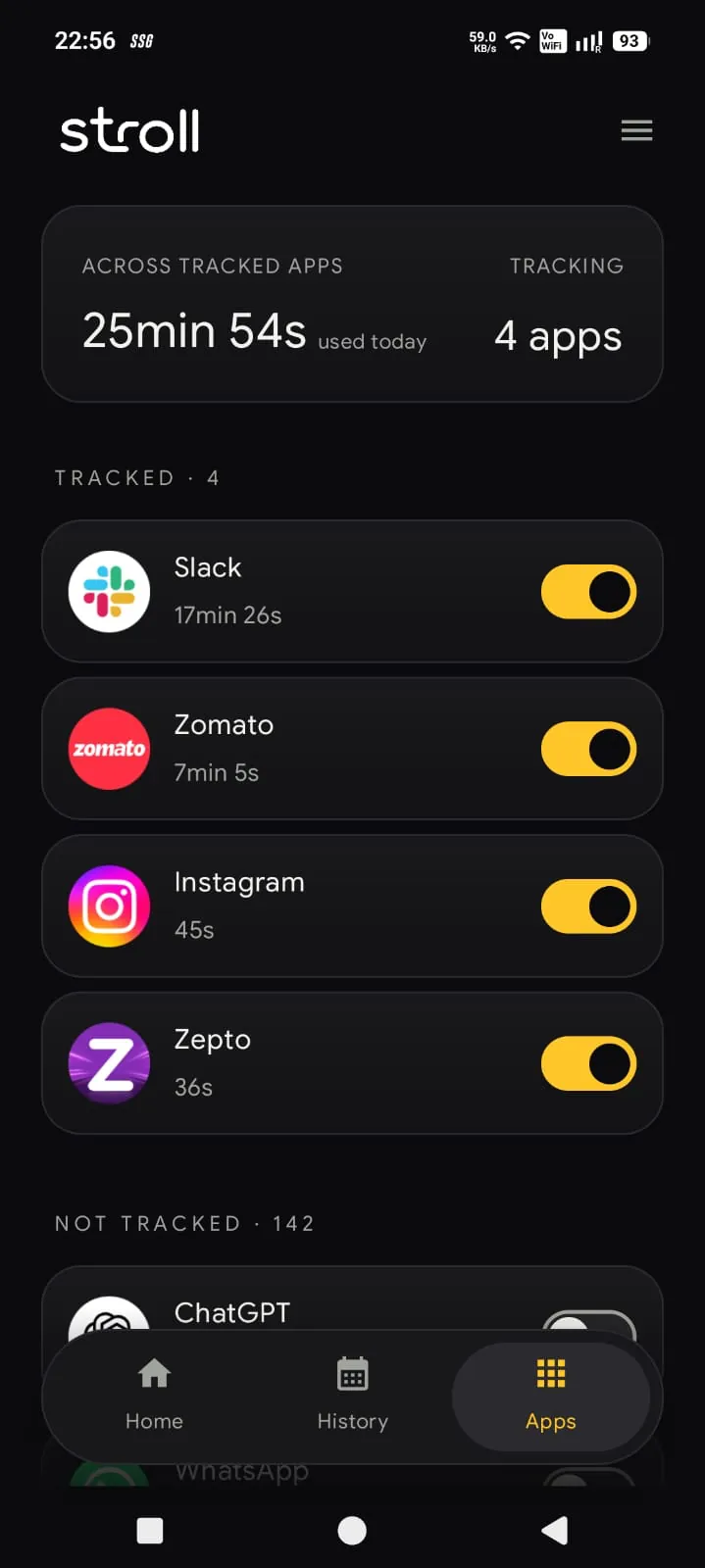
Chosen apps
You choose the apps.
Only distracting apps you select spend earned time. Everything else stays open.
Vision
Not less screen time. Intentional screen time.
No harsh lockouts. No guilt. Just a calm pause before the scroll.
Positive reinforcement
Reward movement instead of punishing usage.
Privacy-aware permissions
Health Connect reads steps. Usage Access measures chosen app time. Nothing more.
Offline by default
The core experience works without a connection.
Calm design
No streak pressure. No guilt-driven UX.
Permissions
Built for trust.
Stroll asks for the minimum it needs to work — and nothing it doesn't.
Health Connect
Reads your step totals so your earned time can update.
Usage Access
Measures time spent in the apps you choose — and only those.
Accessibility
Shows the calm blocker when earned time runs out. Stroll does not read typed text, passwords, messages, payment details, or screen content.
Take the first step.
Be first to try Stroll when it launches on Android.